Isn’t there an easier way?
Automated with Claude–Figma integration, cutting the time to update policy documents and share changes from roughly 2 hours to 20 minutes
- Role
- Planning (new service planning)
- Period
- 2026.07 – 2026.09
- Type
- KEPCO KDN · Smart City National Pilot City · Energy demand response (DR) user app · admin web, new service planning
- Team
- Planning 1 (me) · Development 4 · Design 1
Bottom line
- Automating repetitive work
- Documentation
- AI-driven efficiency
- Collaboration checklists
Policy document editing: roughly 2 hours → 20 minutes I spent the time saved on collaborating with development and design
- 2h → 20 minPolicy doc editing time per screen change (felt)
- 54Vendor questions answered before meetings
- Auto-generatedChange checklists for design · development
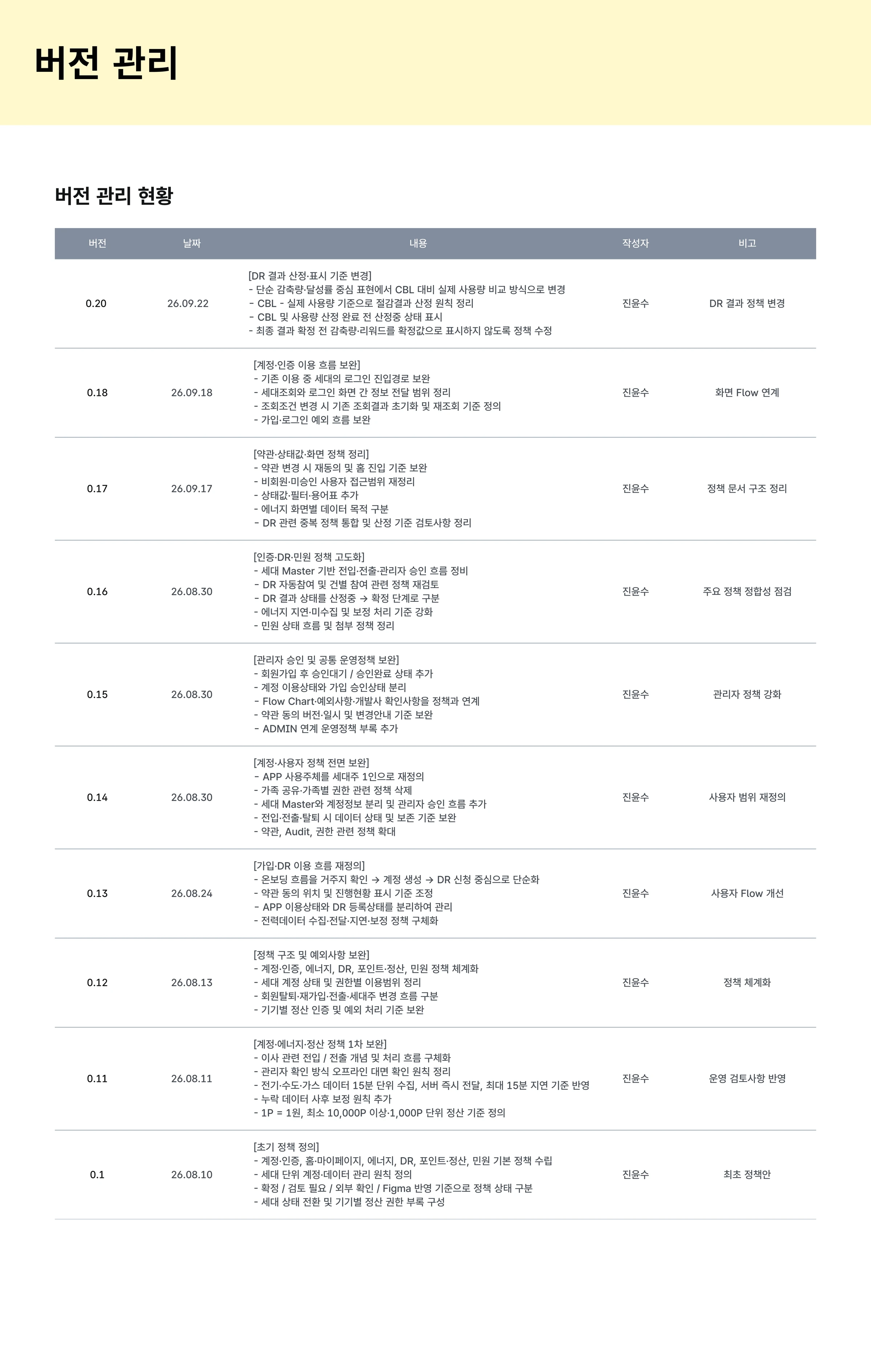
With planning, development and design running in parallel, I had to fix policy documents by hand every time a screen changed. By changing the order of work and automating it with Claude–Figma integration, I cut document editing time from roughly 2 hours to 20 minutes.
- Energy & power domain study
- UX research
- Requirements definition
- Functional spec
- Policy definition
- Screen design
- Cross-team communication
Planning, development and design running in parallel
One planning change meant extra work for every related team
On the new energy DR service, development and design worked at the same time from the wireframes. Policies and required data changed often depending on the client, partner agencies and legal procedures, so a single planning change quickly turned into extra work for the related teams.
Two hours for every screen fix
Every time a screen changed, the related policy documents had to be updated by hand
- Editing the related policy documentsManual
- Checking connected policiesManual
- Sharing changes with design · developmentManual
→ Over 2 hours per screen change (felt)
Why it matters
Because edits were manual and there was no link between screens and policies, some policies were missed.
A missed policy update creates a mismatch between screens and policies. That adds work for development and design, and makes the schedule uncertain.
Changing the order of work & automating repetitive work with AI
Before automating, I changed the order of work and set rules so AI wouldn’t guess
- Observation
I spent 2 hours fixing policy documents every time a screen changed, and things were still missed. The cause wasn’t slow hands — it was the order: drawing screens first and fitting policies later.
- Question
Then could I just hand this work to AI as it was? When I tried, AI filled in even undecided content with plausible guesses.
- Decision
Before automating, change the order of work and first set rules — status values and unique codes — so AI doesn’t guess. A person does the final check.
- Solution 1
- Before
- Draw screens first, policies later
- Insight
- Changing policies later means rewriting everything whenever screens or data change
- After
- Confirm core policies first — authentication structure / required data / data flow
- Keep screen details and external checks open in parallel
Policy status- ConfirmedDecided
- ReviewService · operations policy undecided
- ExternalNeeds legal · partner · external system check
- UI checkNeeds wireframe · design check
- Solution 2
- Before
- Meetings dragged on with basic explanations
- Insight
- Answering what we could before the meeting leaves meeting day for the productive core
- After
- Unified the question document format
- Shared the meeting agenda at least 2 days ahead, with planning intent and data flow per item
- Solution 3
- Before
- Policy documents fixed by hand every time
- Insight
- Left to AI, content got filled in arbitrarily and hallucinations were frequent
- After
- Finalized 4 policy status values and assigned unique codes
- Confirmed / needs review / UI change / external check
- Updated flowcharts via Claude–Figma integration
- Auto-generated checklists for design · development
Automation where AI doesn’t guess
I set rules and tracking codes first, and let AI edit documents only on top of them
- Rules4 policy status valuesConfirmed · needs review · UI change · external check Undecided content is never filled in
- TrackingUnique policy codesMapping screen–policy and policy–policy relations
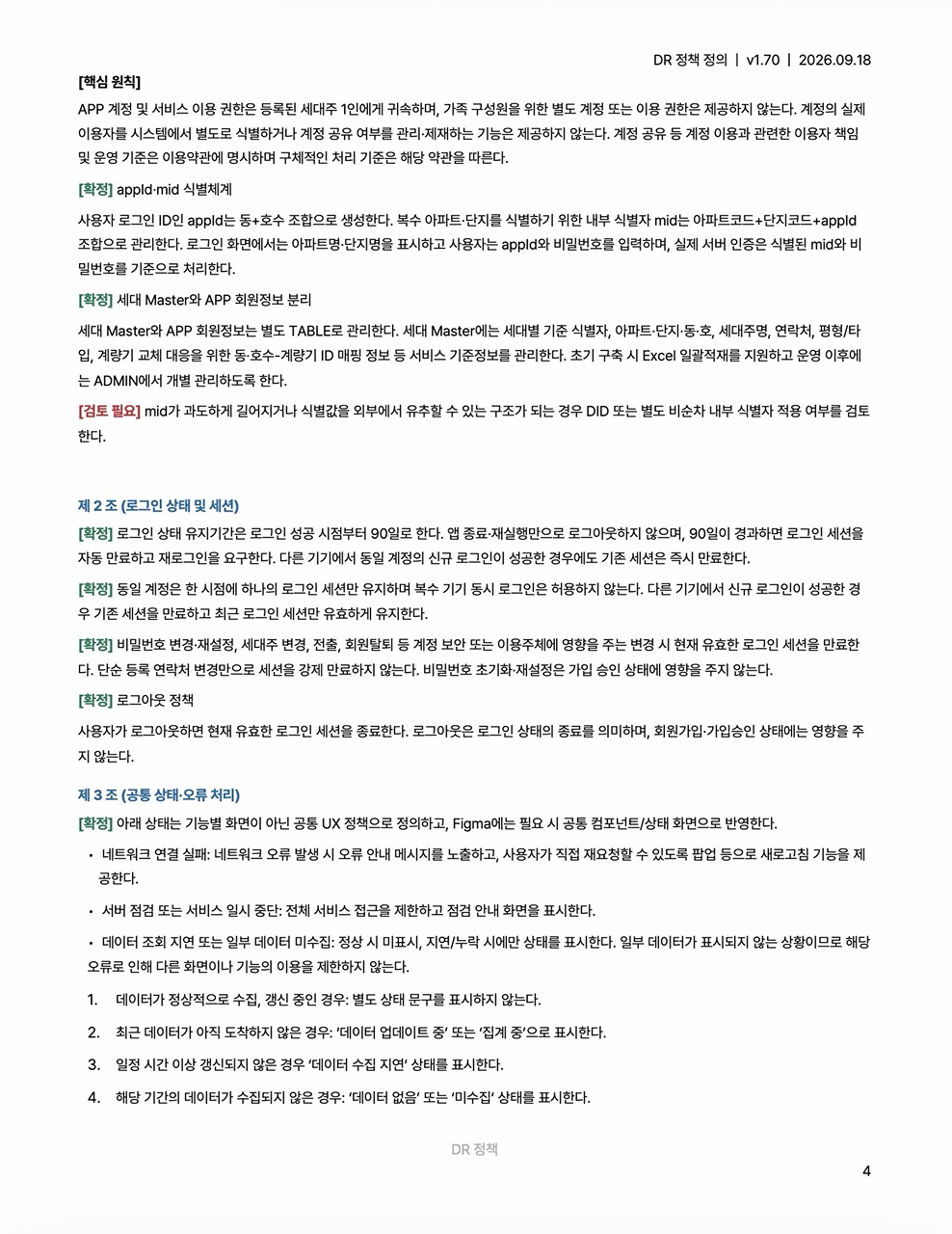
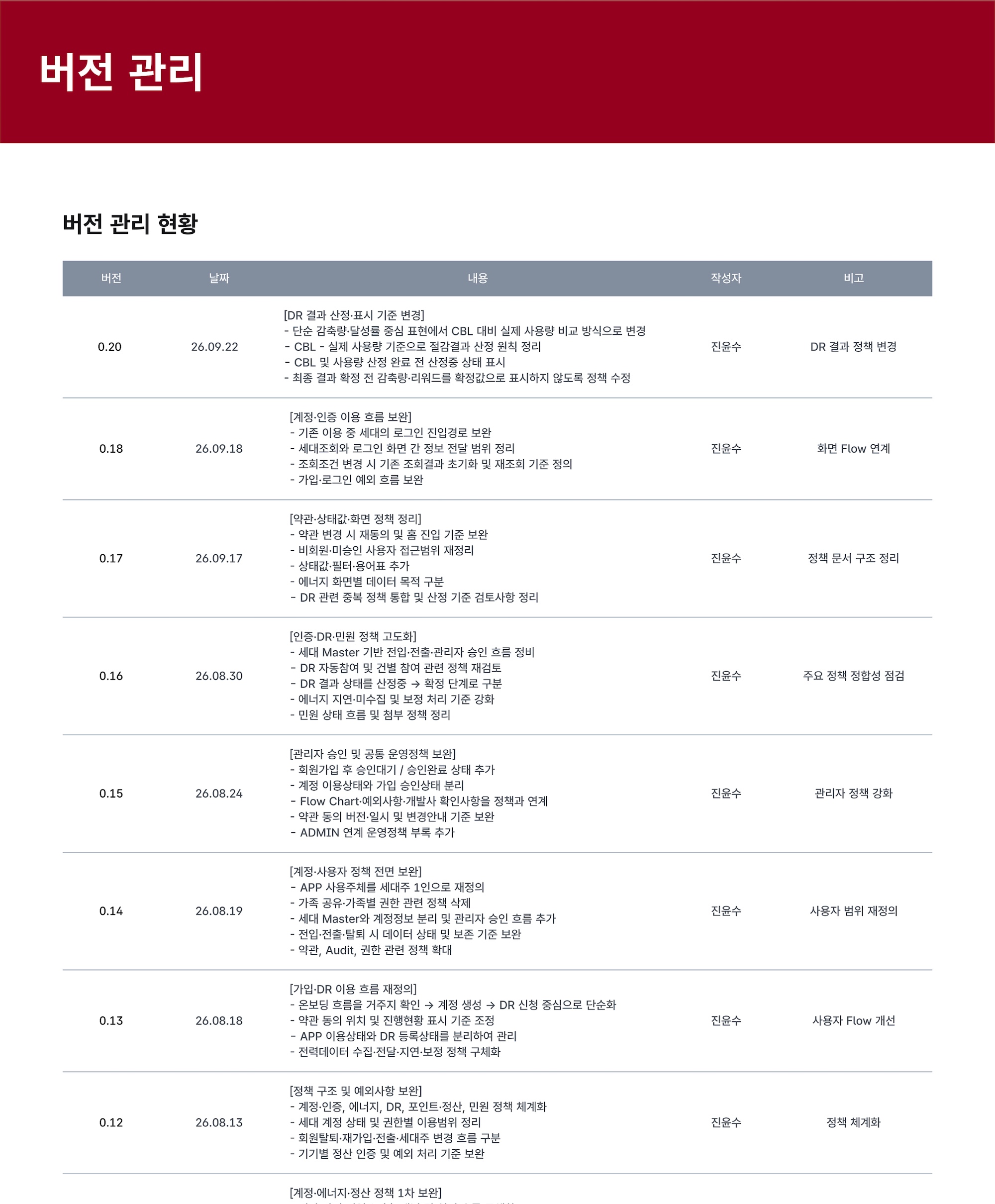
- UpdateClaude–Figma integrationUpdate policies · flowcharts from changed screens Marked with highlights · before/after notes
- HandoffRole-specific checklistsAuto-generated for design · development Final check done by me
I limited the scope of automation to where rules were already set. Only policies with a 'confirmed' status were reflected in documents and flowcharts; undecided items like 'needs review' or 'external check' were left as they were, not filled in by AI, so a person could decide.
Cut document editing time from roughly 2 hours to 20 minutes with automation
I spent the planning time saved on collaborating with development and design
Planning efficiency — felt reduction in document editing time Auto-generated flowcharts from policy docs · role-specific checklists
Development collaboration — vendor questions answered before meetings Question document shared in Google Sheets
Shared feedback with real-time annotations on the relevant features in Figma wireframes
Feedback from teammates
- It was an unfamiliar domain, but the planning deliverables helped me understand it quickly and reflect it in design
- I only had to check the highlighted changes, which saved me so much time
- The before/after notes meant I never lost track of the history
- Their strong understanding of design and development made it easy to design and communicate together
- The checklist let me handle changes without missing anything
Order and rules before automation
- Lesson 01
Order of work comes first
If you confirm core policies first and keep screen details open in parallel, you don’t have to rewrite everything when changes come.
- Lesson 02
Give AI rules first
Only when status values and unique codes set the criteria does AI stop guessing at the blanks, and people can focus on the final check.